🔄 Xiaomi Bootloop After Update: Causes & Recovery Solutions
HyperOS or MIUI OTA update stuck in reboot loop? How to boot into Recovery 5.0, wipe NV data errors, and recover your files safely.

🔄 Fixing Xiaomi Bootloops Triggered by Software Updates
OTA system updates on HyperOS and MIUI can corrupt the system partition if interrupted by low battery or storage exhaustion.
🛠️ Recovery Steps
1. Main Menu Recovery 5.0: Hold Volume Up + Power to access Mi Recovery. Select Reboot to System first.
2. Safe Mode Boot: Try booting into Safe Mode from recovery to disable conflicting Magisk or theme modules.
3. Mi Assistant ROM Flashing: Connect to a computer running Xiaomi PC Suite to reinstall clean firmware without erasing user photos.
Component-Level Repairs & Diagnostics
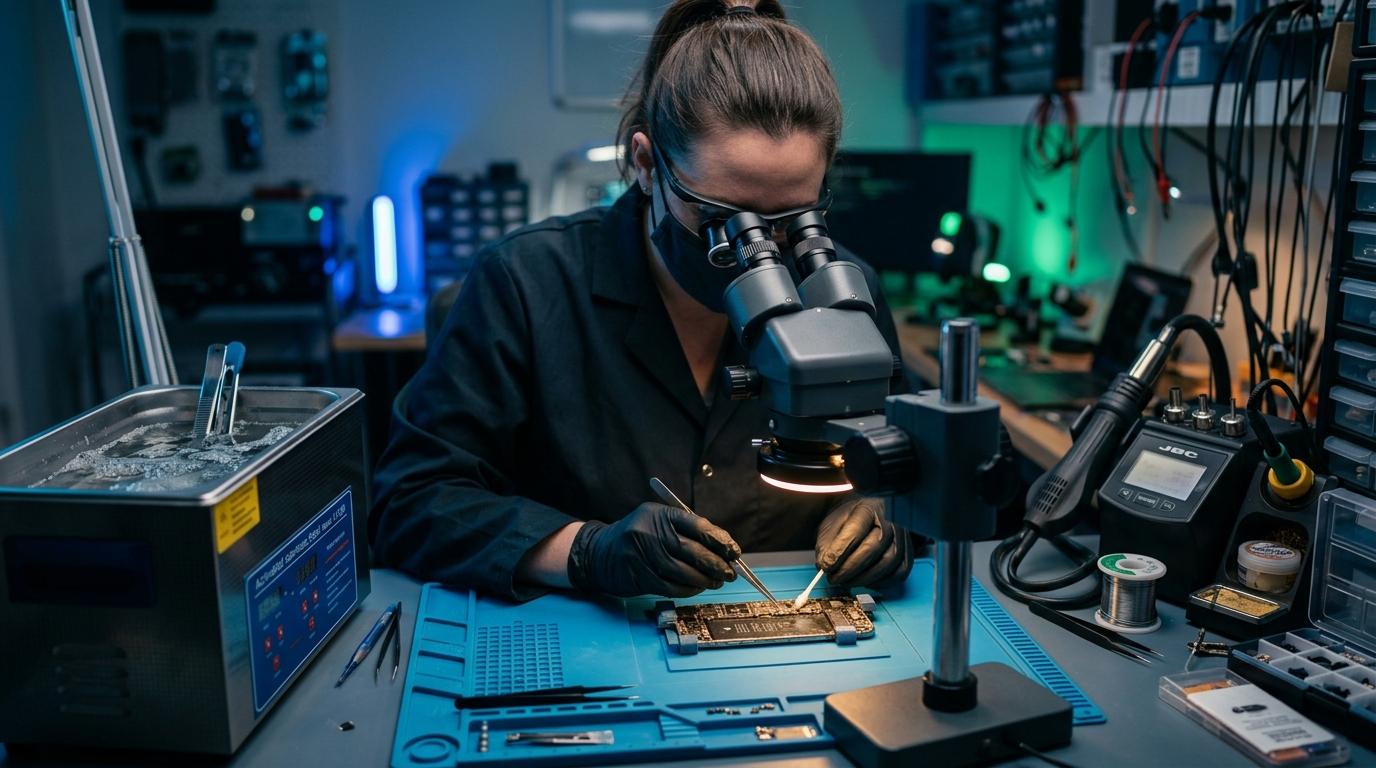
Experiencing battery degradation, thermal overheating, display issues, or logic board failure? Visit our Marrakesh workshop at Complexe Artisanal or contact our engineers on WhatsApp for a fast, free diagnostic consultation.
DIGITAL REVIVE Engineering Team
Author & Lab TechniciansSpecialized in micro-soldering, SMD board repairs, liquid damage decontamination, and precision smartphone diagnostics at Complexe Artisanal, Marrakesh. Over 5,000+ devices restored.
Related Guides & Tips
❌ Why You Should NOT Put a Wet Phone in Rice
The hard science debunking the raw rice myth. Learn how rice starch dust creates conductive cement and accelerates copper trace corrosion.

💧 Dropped Your Phone in Water? What You Should Do Immediately
The critical first 10 minutes after liquid contact. Why you must power down immediately, avoid chargers, and seek professional ultrasonic cleaning.

📶 Phone Has No Network After Repair: What to Check
Searching... or No Service after replacing a screen or housing? Pinpointed coaxial antenna cable tears, grounding clips, and RF transceiver faults.