🔧 Samsung Stuck on Logo: Causes & Repair Options
Bootlooping on the Samsung Galaxy logo? Learn when flashing Odin firmware works, how UFS storage fails, and when CPU reballing is required.
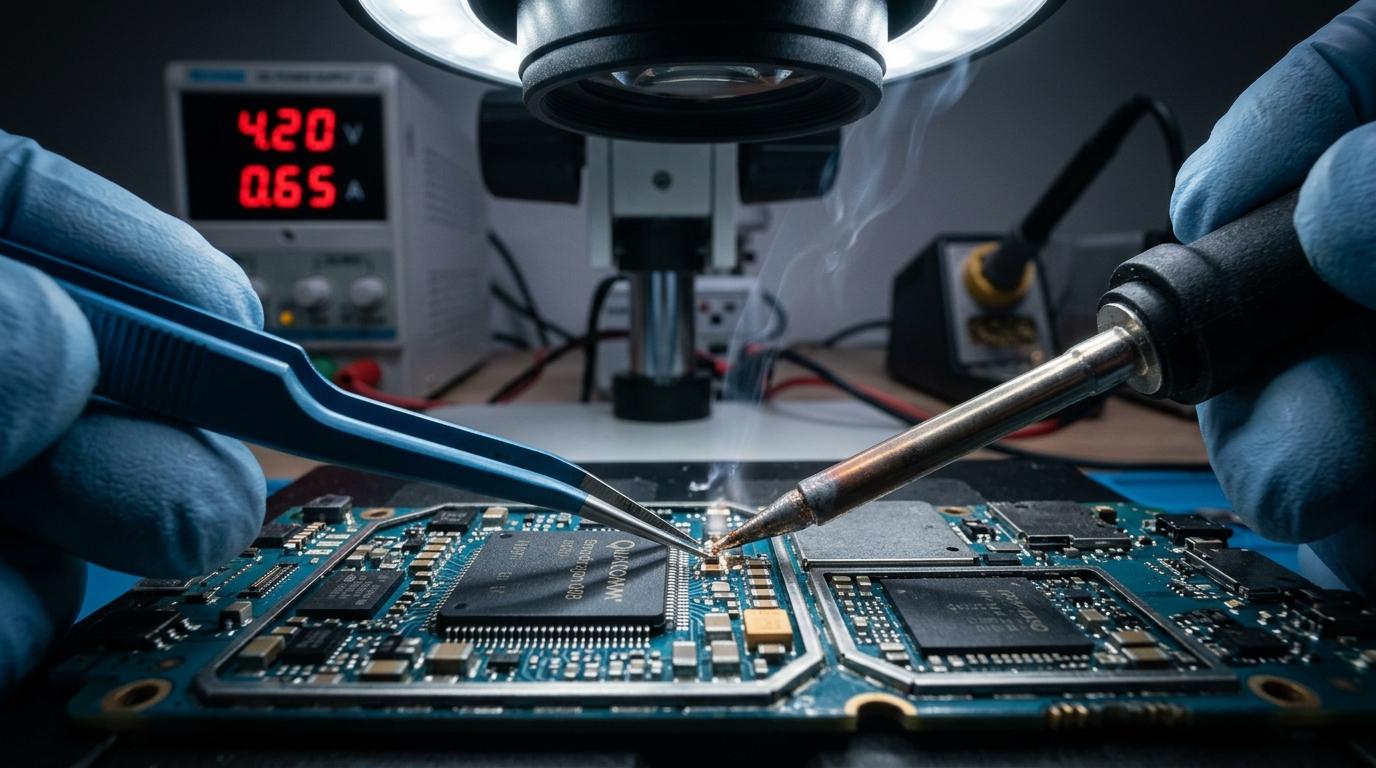
🔧 Samsung Galaxy Stuck on Logo: Diagnostic Protocol
When a Samsung phone powers on to the "Samsung Galaxy" logo and freezes indefinitely, technicians diagnose whether the issue is software corruption or motherboard BGA failure.
🔍 Diagnostic Sequence
1. Wipe Cache Partition in Recovery Mode: Power off, hold Volume Up + Power while connected to a PC to enter Android Recovery. Select "Wipe Cache Partition."
2. Flash Official Firmware with Odin: Reinstall the official multi-file firmware (BL, AP, CP, CSC) without wiping data using the HOME_CSC binary.
3. Hardware CPU / UFS Cold Solder: On Galaxy S20, S21, and A51/A71 models, thermal cycles cause lead-free solder balls underneath the Exynos/Snapdragon CPU to crack. Professional chip reballing permanently cures the bootloop.
Component-Level Repairs & Diagnostics
Experiencing battery degradation, thermal overheating, display issues, or logic board failure? Visit our Marrakesh workshop at Complexe Artisanal or contact our engineers on WhatsApp for a fast, free diagnostic consultation.
DIGITAL REVIVE Engineering Team
Author & Lab TechniciansSpecialized in micro-soldering, SMD board repairs, liquid damage decontamination, and precision smartphone diagnostics at Complexe Artisanal, Marrakesh. Over 5,000+ devices restored.
Related Guides & Tips
❌ Why You Should NOT Put a Wet Phone in Rice
The hard science debunking the raw rice myth. Learn how rice starch dust creates conductive cement and accelerates copper trace corrosion.

💧 Dropped Your Phone in Water? What You Should Do Immediately
The critical first 10 minutes after liquid contact. Why you must power down immediately, avoid chargers, and seek professional ultrasonic cleaning.

📶 Phone Has No Network After Repair: What to Check
Searching... or No Service after replacing a screen or housing? Pinpointed coaxial antenna cable tears, grounding clips, and RF transceiver faults.