Dropped Your Phone in Water? The 5 Immediate Steps (And Why Rice Fails)
Do not plug it in! Submerging your phone in raw rice actually accelerates corrosion and clogs speaker ports. Follow our proven emergency triage guide.
The Raw Rice Myth: Why It Actually Destroys Your Phone
For over a decade, putting a wet phone in a bowl of raw uncooked rice has been the most common internet folklore. But as micro-soldering technicians who open water-damaged devices daily, we must deliver the hard truth: Rice does NOT save wet electronics.
Raw rice absorbs atmospheric humidity at an extremely slow rate. Worse, fine rice starch dust enters the charging port, speaker grills, and microphone mesh, reacting with moisture to form a sticky, conductive paste that cements itself inside delicate components.
Immediate Emergency Triage: The 5 Steps
Turn It Off Immediately
If the screen is on, shut the device down without hesitation. Do not check if WhatsApp works. Do not take a photo. Every second electric current passes through wet copper traces, electrochemical electrolysis eats away tiny SMD capacitors and IC pads.
DO NOT PLUG IN A CHARGER
Connecting a 5V/9V charger to a wet USB-C or Lightning port causes instantaneous 5V-to-ground short circuits, often frying the Power Management IC (PMIC) or Tristar/Hydra chip beyond simple repair.
Remove Case, SIM Tray & Peripherals
Strip the phone of protective covers, pop open the SIM tray to create an exit path for trapped steam and liquid, and gently tap the phone against your palm with the charging port facing down.
Towel Dry & Vacuum Gently
Dry the exterior thoroughly with an absorbent micro-fiber towel. You can use a vacuum cleaner nozzle held a few centimeters away from ports to draw out droplets. Never use a hot hairdryer, which blows water deeper into optical camera modules and melts internal waterproof seals.
Bring It to an Ultrasonic Lab Fast
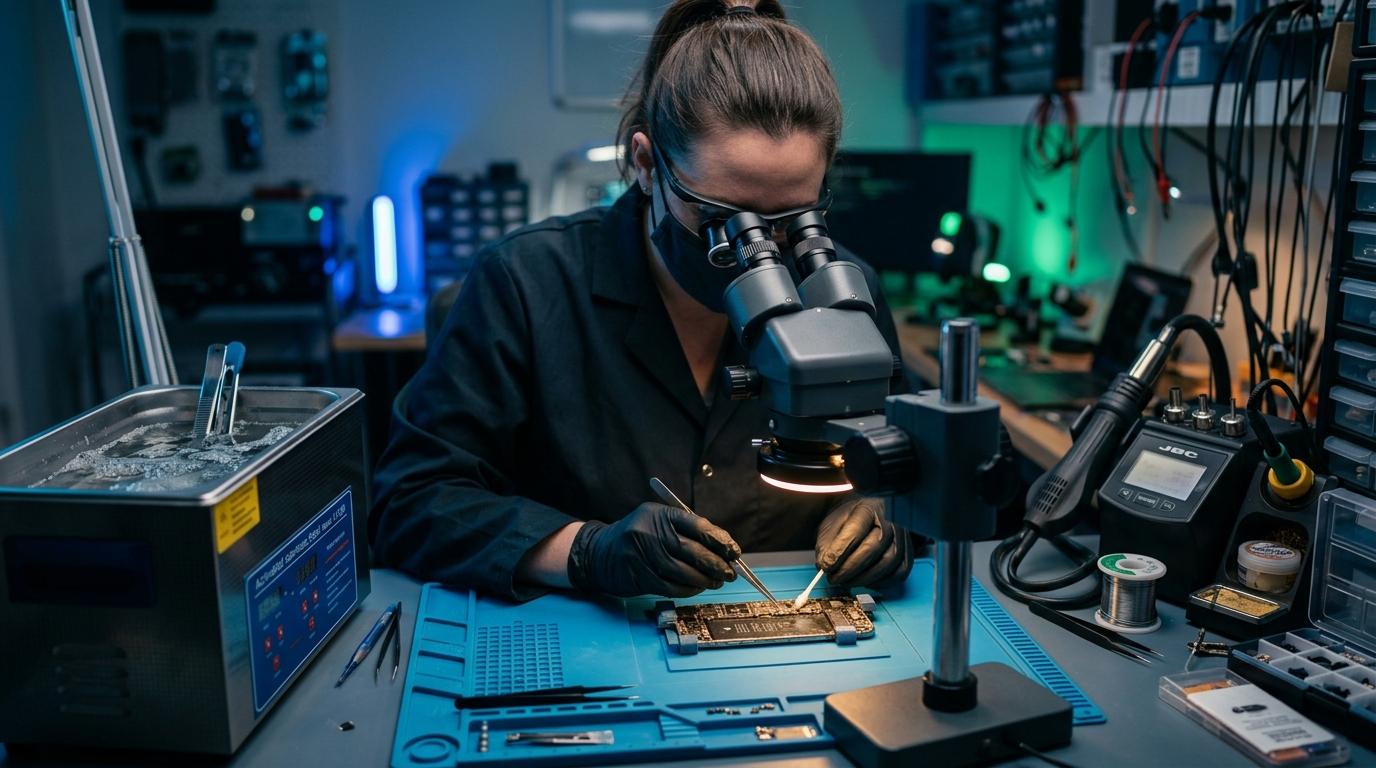
Liquid oxidizes copper within 24 to 48 hours. Saltwater, tea, or soda is even more aggressive. Bringing the phone to our Marrakesh repair lab allows us to disassemble the device, detach the battery, and place the motherboard into our ultrasonic bath with pure 99.9% isopropyl alcohol to strip all mineral deposits.
What to Do Right Now
Time is your most critical asset with liquid ingress. Shut down the device and contact DIGITAL REVIVE immediately for emergency liquid treatment!
The Verdict: Why Ultrasonic Decontamination Works
Comparing common home folklore against professional laboratory triage
- •Absorbs surface air humidity at an extremely slow rate
- •Fine starch dust mixes with water to create conductive cement
- •Leaves minerals on motherboard: electrolysis eats copper in 24h
- •Immediate battery disconnection halts all electrolysis
- •Ultrasonic cavitation strips dried minerals beneath BGA chips
- •99.9% anhydrous alcohol displaces water and evaporates cleanly
Water Damage Triage & Data Recovery
Every minute matters with liquid spills. Bring your device directly to our workshop at Complexe Artisanal, Marrakesh, or contact us immediately on WhatsApp for priority emergency intake.
DIGITAL REVIVE Engineering Team
Author & Lab TechniciansSpecialized in micro-soldering, SMD board repairs, liquid damage decontamination, and precision smartphone diagnostics at Complexe Artisanal, Marrakesh. Over 5,000+ devices restored.
Related Guides & Tips
❌ Why You Should NOT Put a Wet Phone in Rice
The hard science debunking the raw rice myth. Learn how rice starch dust creates conductive cement and accelerates copper trace corrosion.

💧 Dropped Your Phone in Water? What You Should Do Immediately
The critical first 10 minutes after liquid contact. Why you must power down immediately, avoid chargers, and seek professional ultrasonic cleaning.

📶 Phone Has No Network After Repair: What to Check
Searching... or No Service after replacing a screen or housing? Pinpointed coaxial antenna cable tears, grounding clips, and RF transceiver faults.