👆 iPhone Touch Not Working: Complete Troubleshooting Guide
Ghost touching or completely unresponsive digitizer? Discover how drop impact, Touch IC (Meson/Cumulus) failure, and display flex tears freeze your touch input.

👆 Troubleshooting Unresponsive iPhone Touch & Ghost Touches
Few problems are more frustrating than an iPhone screen that ignores your finger taps or triggers ghost clicks on its own.
🔍 Root Causes Behind Touch Failure
1. Damaged Digitizer Layer: The touch sensor grid is laminated beneath the glass. Deep cracks or micro-fractures sever the capacitive sensing matrix.
2. Ghost Touch from Dirty Gaskets: Dust or moisture residue trapped between the screen frame and chassis causes false capacitive readings.
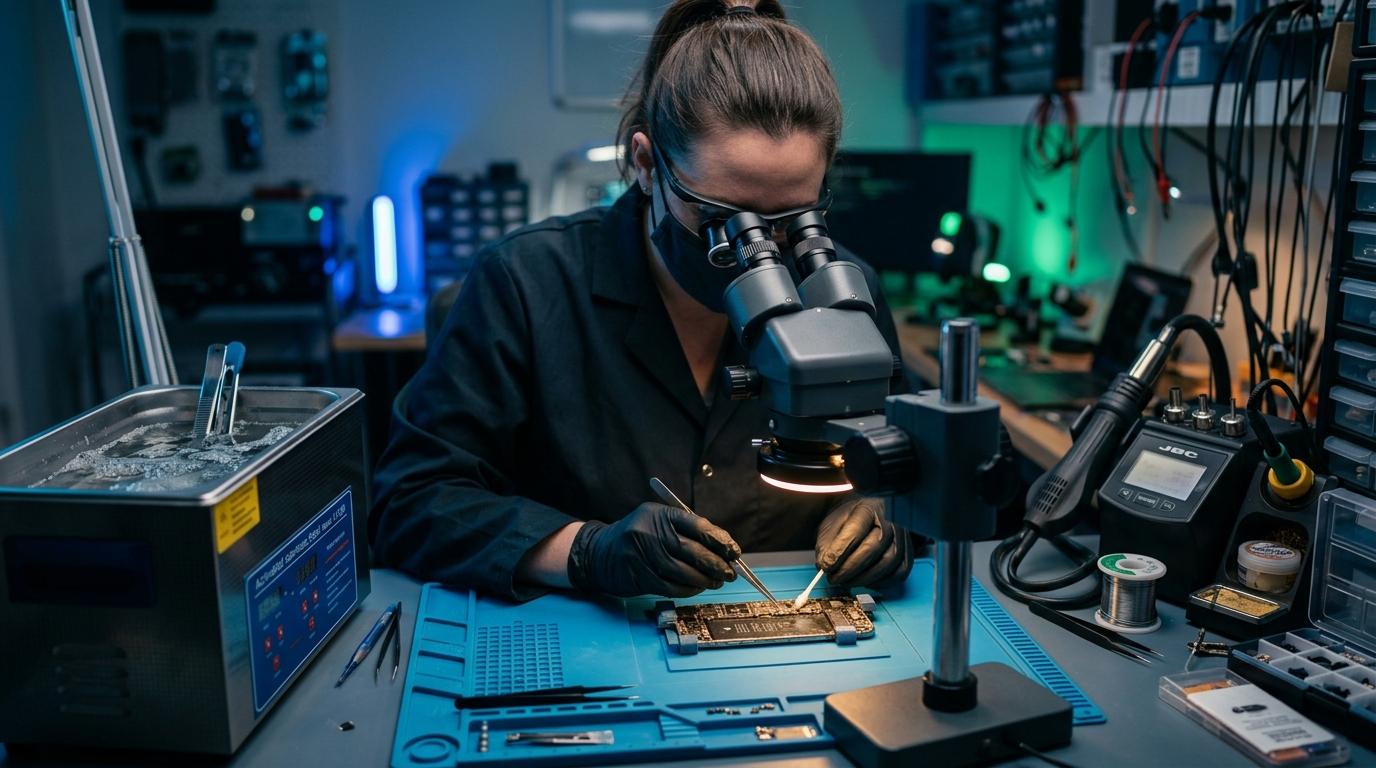
3. Motherboard Touch Controller Fault: On older models (iPhone 6 Plus Touch Disease) or dropped newer models, fractured solder balls underneath the Touch IC prevent touch data transmission to the CPU.
Component-Level Repairs & Diagnostics
Experiencing battery degradation, thermal overheating, display issues, or logic board failure? Visit our Marrakesh workshop at Complexe Artisanal or contact our engineers on WhatsApp for a fast, free diagnostic consultation.
DIGITAL REVIVE Engineering Team
Author & Lab TechniciansSpecialized in micro-soldering, SMD board repairs, liquid damage decontamination, and precision smartphone diagnostics at Complexe Artisanal, Marrakesh. Over 5,000+ devices restored.
Related Guides & Tips
❌ Why You Should NOT Put a Wet Phone in Rice
The hard science debunking the raw rice myth. Learn how rice starch dust creates conductive cement and accelerates copper trace corrosion.

💧 Dropped Your Phone in Water? What You Should Do Immediately
The critical first 10 minutes after liquid contact. Why you must power down immediately, avoid chargers, and seek professional ultrasonic cleaning.

📶 Phone Has No Network After Repair: What to Check
Searching... or No Service after replacing a screen or housing? Pinpointed coaxial antenna cable tears, grounding clips, and RF transceiver faults.