🍎 iPhone Stuck on Apple Logo: Causes & Fixes
Bootlooping on the white Apple logo? Learn how technicians distinguish between full NAND storage (Error 14), broken proximity sensors, and cracked CPU solder balls.
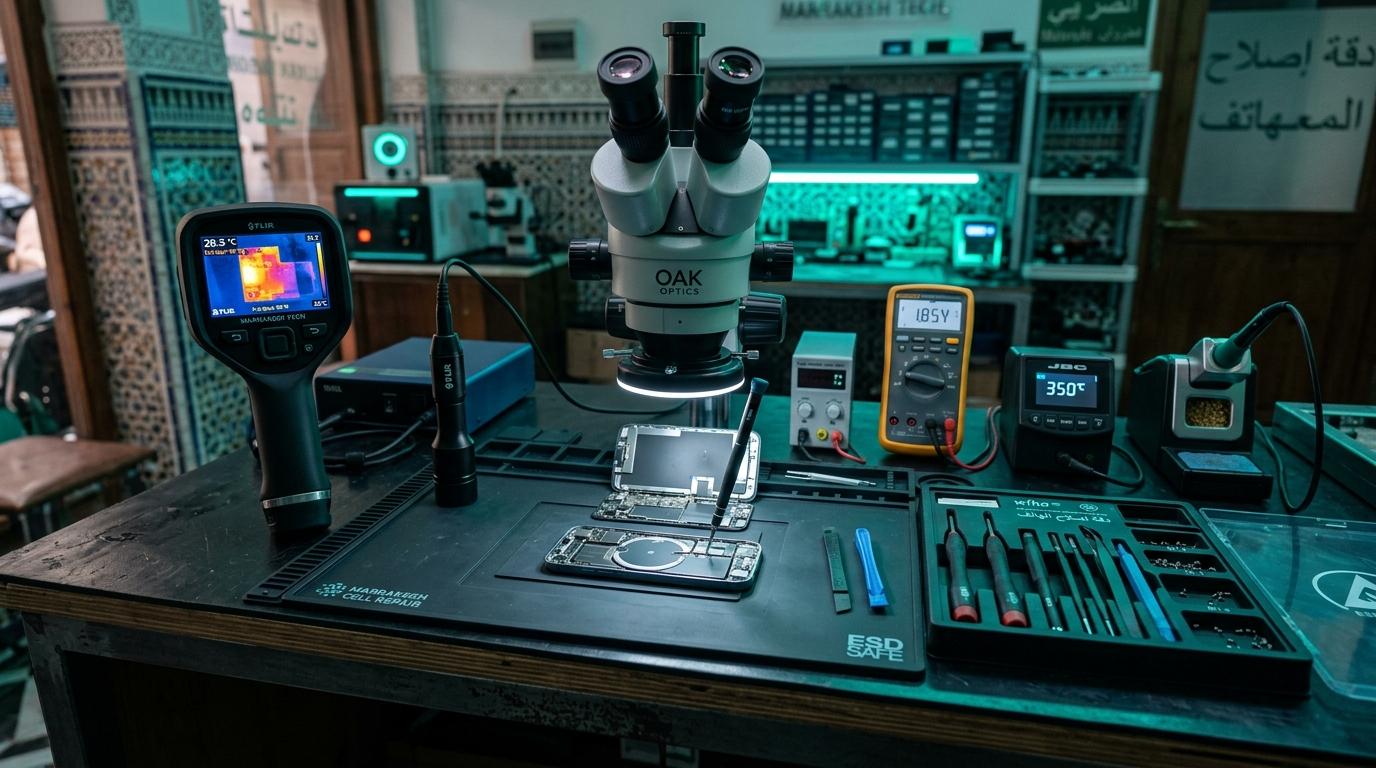
🍎 iPhone Stuck on Apple Logo: Software or Hardware?
When an iPhone boots to the Apple logo, stays for 15 seconds, turns off, and repeats endlessly, it is stuck in a bootloop. Understanding whether this is caused by software corruption or hardware failure prevents unnecessary data loss.
🔍 Top Hardware Causes
Corroded Earpiece Speaker / Proximity Sensor Flex
The proximity sensor flex at the top of the screen connects to the I2C2 and I2C3 bus lines. Sweat or water seepage shorts these lines, causing the iOS kernel to panic during startup.
-
Technician Test: Disconnect the front sensor flex and reboot. If the iPhone boots immediately, replace the sensor assembly.
100% Full Storage (Error 14 Bootloop)
When an iPhone's NAND storage reaches 99.9% capacity, the file system cannot create temporary cache files during boot, resulting in a persistent loop.
Cracked Underfill / Logic Board Separation
On sandwiched iPhone motherboards (iPhone X through 15), drops crack the interposer solder joints connecting the top AP board to the bottom RF board.
Component-Level Repairs & Diagnostics
Experiencing battery degradation, thermal overheating, display issues, or logic board failure? Visit our Marrakesh workshop at Complexe Artisanal or contact our engineers on WhatsApp for a fast, free diagnostic consultation.
DIGITAL REVIVE Engineering Team
Author & Lab TechniciansSpecialized in micro-soldering, SMD board repairs, liquid damage decontamination, and precision smartphone diagnostics at Complexe Artisanal, Marrakesh. Over 5,000+ devices restored.
Related Guides & Tips
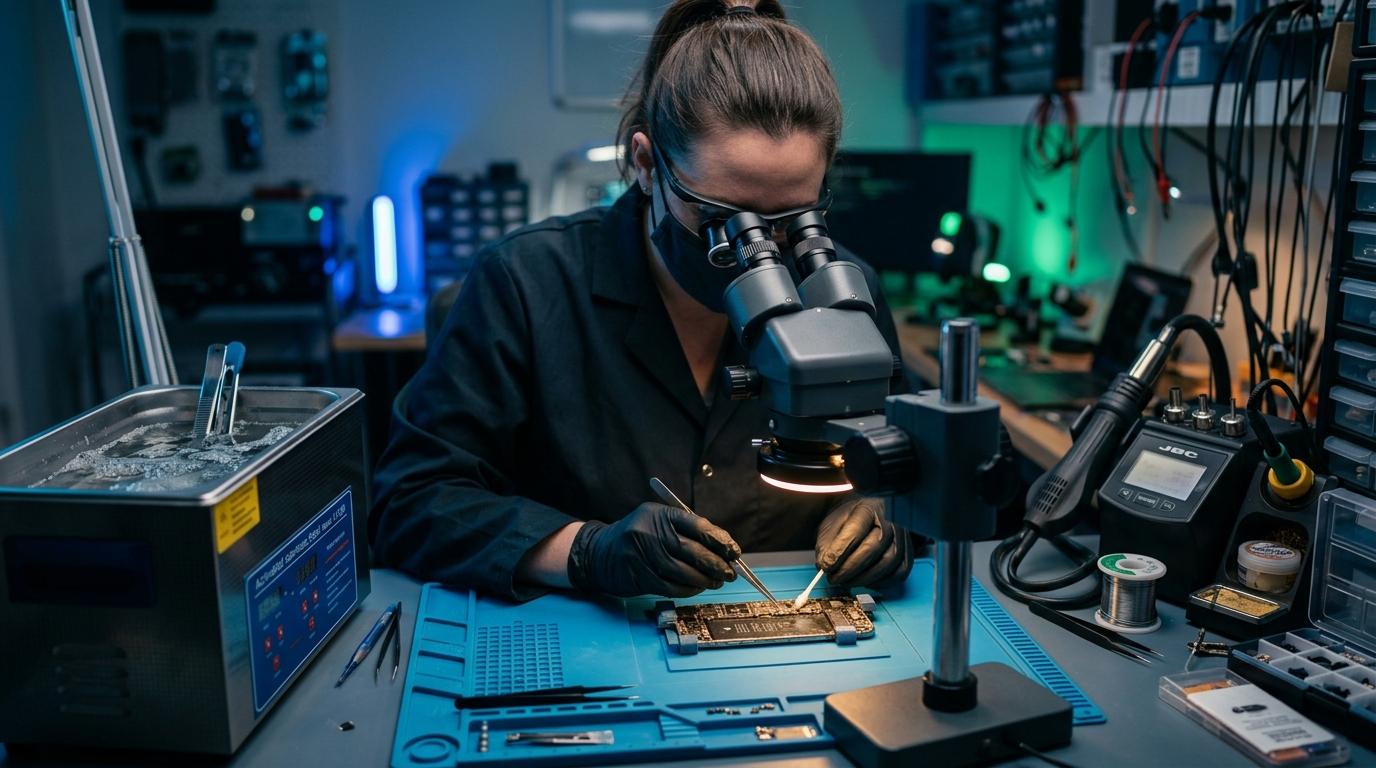
❌ Why You Should NOT Put a Wet Phone in Rice
The hard science debunking the raw rice myth. Learn how rice starch dust creates conductive cement and accelerates copper trace corrosion.

💧 Dropped Your Phone in Water? What You Should Do Immediately
The critical first 10 minutes after liquid contact. Why you must power down immediately, avoid chargers, and seek professional ultrasonic cleaning.

📶 Phone Has No Network After Repair: What to Check
Searching... or No Service after replacing a screen or housing? Pinpointed coaxial antenna cable tears, grounding clips, and RF transceiver faults.