⚡ iPhone Not Charging? 10 Causes and Technician Solutions
From pocket lint compaction in the Lightning/USB-C port to Tristar IC and PMIC logic board failure, here is how technicians diagnose charging faults.
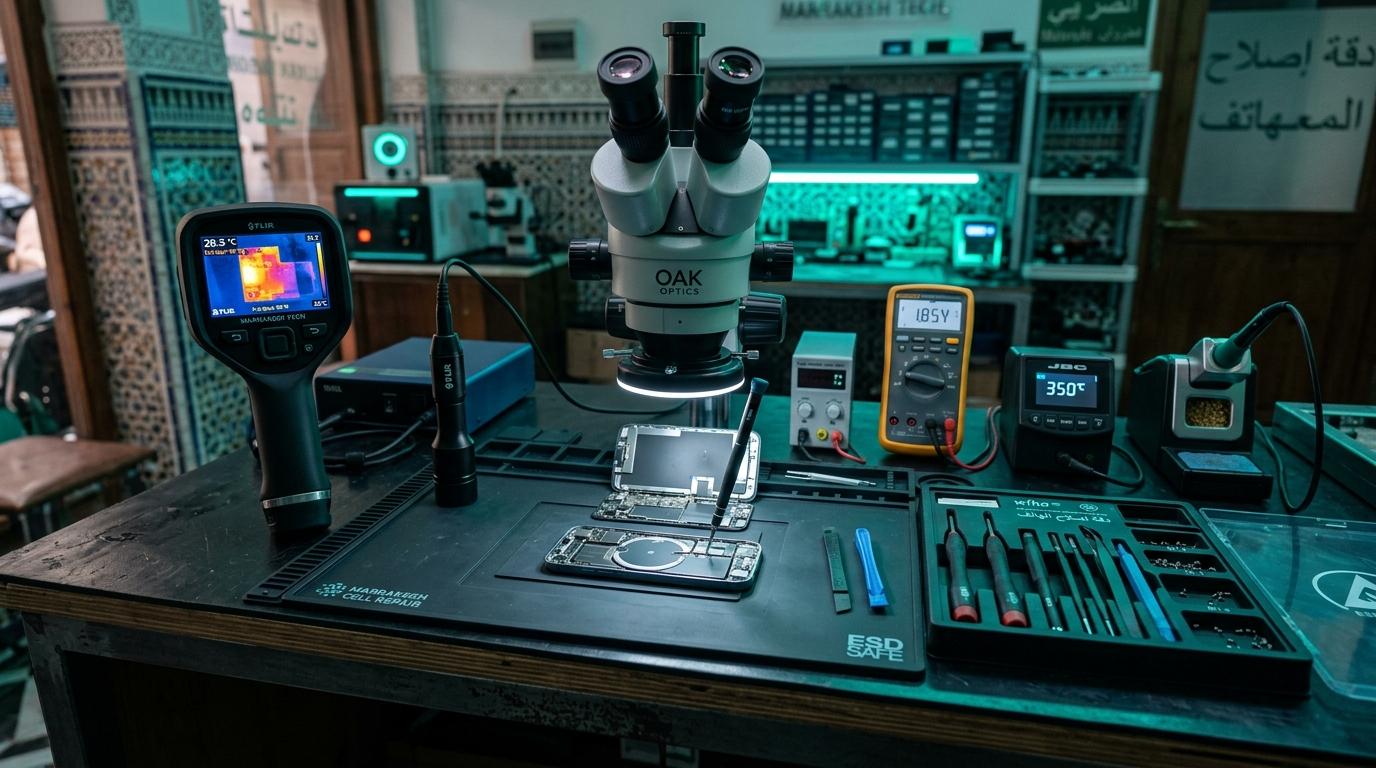
⚡ Why Your iPhone Won't Charge: 10 Root Causes
An iPhone that refuses to charge can result from a 5-minute cleaning issue or a micro-soldering component failure. Here are the 10 most common causes diagnosed in our Marrakesh workshop.
🔍 10 Most Common Causes
1. Compacted Pocket Lint in Port: Over 60% of charging complaints are solved by removing compressed lint with an ESD nylon probe.
2. Oxidized Pin 4 (VBUS): Arcing from knockoff cables corrodes the primary 5V power pin.
3. Damaged Tristar / Hydra IC: Voltage spikes from cheap car chargers fry Apple's power negotiation chip.
4. Defective Lightning / USB-C Dock Flex: Dropping the phone can tear flexible copper traces.
5. Battery Gas Gauge (BMS) Failure: Communication failure on the I2C lines halts charging.
6. Blown Primary Charging Fuse: A microscopic SMD fuse blows to protect the logic board.
7. Dirty Cable Connector: Inspect gold pins on your cable for carbon burns.
8. Failed Wall Adapter: USB-PD handshake fails with counterfeit adapters.
9. Water Corrosion in Port: High humidity or sweat shorts the CC pins.
10. Tigris Charging IC Short: The primary battery charger chip on the logic board fails.
Component-Level Repairs & Diagnostics
Experiencing battery degradation, thermal overheating, display issues, or logic board failure? Visit our Marrakesh workshop at Complexe Artisanal or contact our engineers on WhatsApp for a fast, free diagnostic consultation.
DIGITAL REVIVE Engineering Team
Author & Lab TechniciansSpecialized in micro-soldering, SMD board repairs, liquid damage decontamination, and precision smartphone diagnostics at Complexe Artisanal, Marrakesh. Over 5,000+ devices restored.
Related Guides & Tips
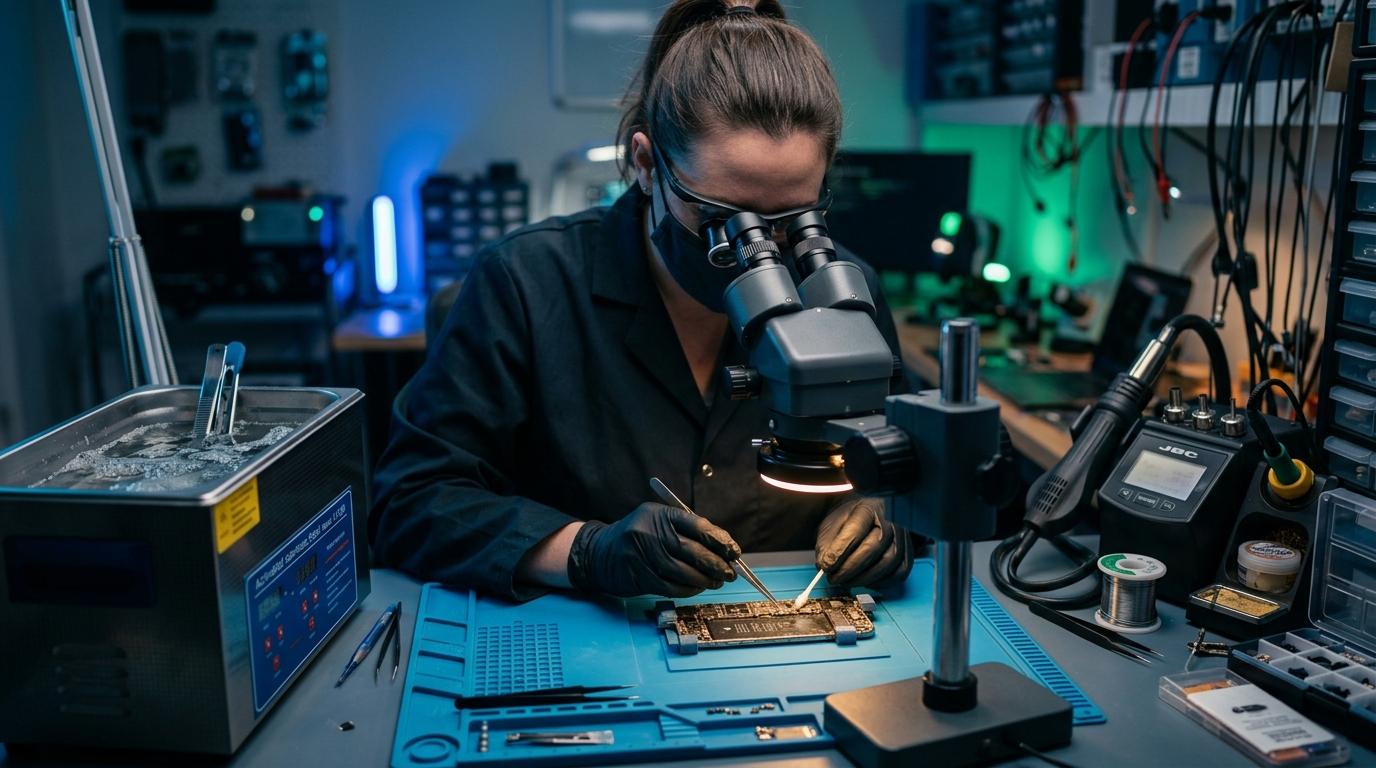
❌ Why You Should NOT Put a Wet Phone in Rice
The hard science debunking the raw rice myth. Learn how rice starch dust creates conductive cement and accelerates copper trace corrosion.

💧 Dropped Your Phone in Water? What You Should Do Immediately
The critical first 10 minutes after liquid contact. Why you must power down immediately, avoid chargers, and seek professional ultrasonic cleaning.

📶 Phone Has No Network After Repair: What to Check
Searching... or No Service after replacing a screen or housing? Pinpointed coaxial antenna cable tears, grounding clips, and RF transceiver faults.