📱 iPhone Black Screen but Still Vibrates: What Does It Mean?
Your iPhone rings, vibrates, and connects to your computer, but the screen is pitch black. Learn the difference between a broken OLED panel and a blown backlight circuit.
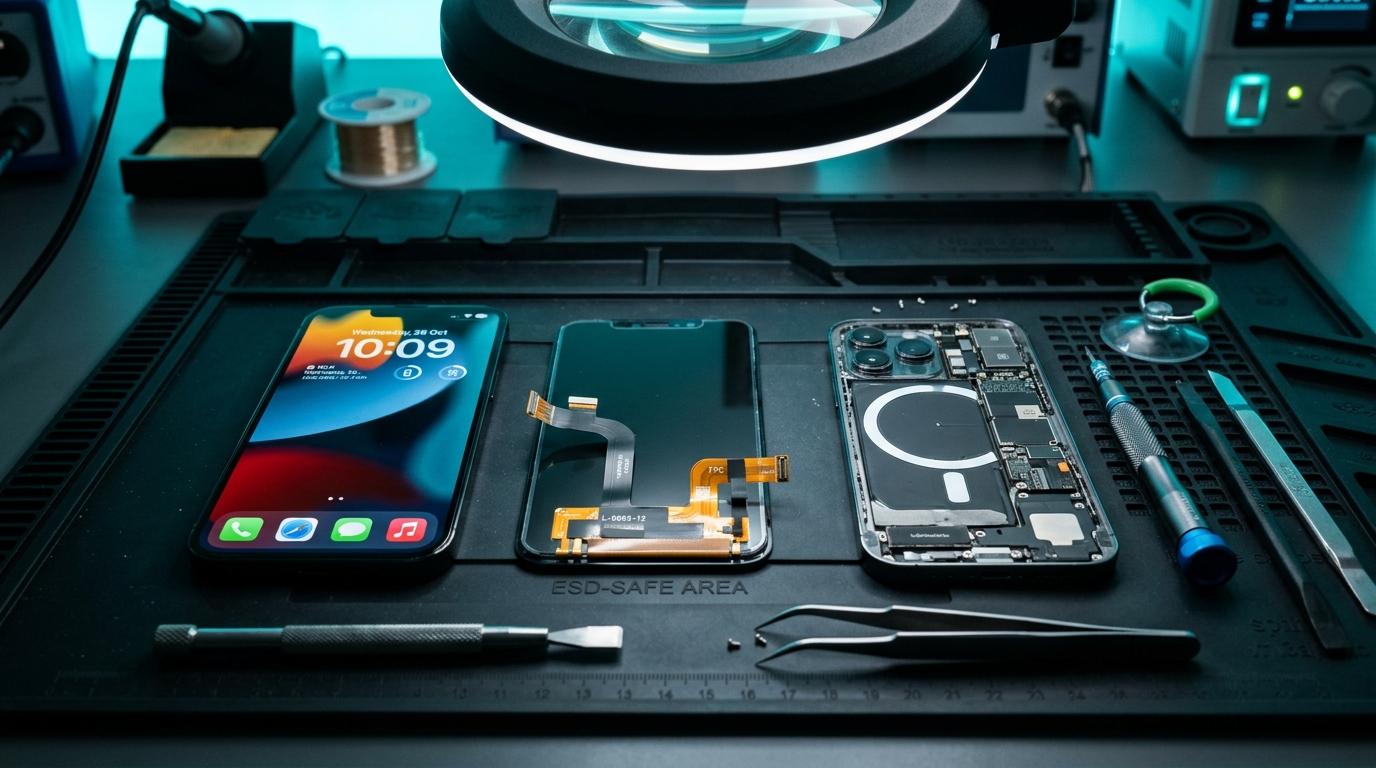
📱 Black Screen But Alive: The Diagnostic Breakdown
If your iPhone vibrates when toggling the mute switch, rings when called, or plays notification sounds, but the display remains completely black, the motherboard is operational! The failure is isolated to the display output subsystem.
🔬 Common Culprits
Shattered Internal OLED Substrate (Black Screen of Death)
The outer protective glass may remain intact, while the microscopic internal OLED matrix suffered a fracture from drop shock or pocket torsion.
Dislodged Display FPC Connector
On heavy drops, the battery bracket or display flex connector can unseat from the motherboard socket.
Blown Backlight Filter or Display PMU
On LCD models (iPhone 11, XR, 8), a short circuit blows the 0201 SMD backlight filter ferrite bead, cutting off the 20V backlight rail.
Component-Level Repairs & Diagnostics
Experiencing battery degradation, thermal overheating, display issues, or logic board failure? Visit our Marrakesh workshop at Complexe Artisanal or contact our engineers on WhatsApp for a fast, free diagnostic consultation.
DIGITAL REVIVE Engineering Team
Author & Lab TechniciansSpecialized in micro-soldering, SMD board repairs, liquid damage decontamination, and precision smartphone diagnostics at Complexe Artisanal, Marrakesh. Over 5,000+ devices restored.
Related Guides & Tips

❌ Why You Should NOT Put a Wet Phone in Rice
The hard science debunking the raw rice myth. Learn how rice starch dust creates conductive cement and accelerates copper trace corrosion.

💧 Dropped Your Phone in Water? What You Should Do Immediately
The critical first 10 minutes after liquid contact. Why you must power down immediately, avoid chargers, and seek professional ultrasonic cleaning.

📶 Phone Has No Network After Repair: What to Check
Searching... or No Service after replacing a screen or housing? Pinpointed coaxial antenna cable tears, grounding clips, and RF transceiver faults.