🔋 iPhone Battery Health: When Should You Replace the Battery?
Is 83% battery health safe? Discover internal resistance spikes, voltage drops under load, and Apple throttling behavior that tell you it is time for a new battery.
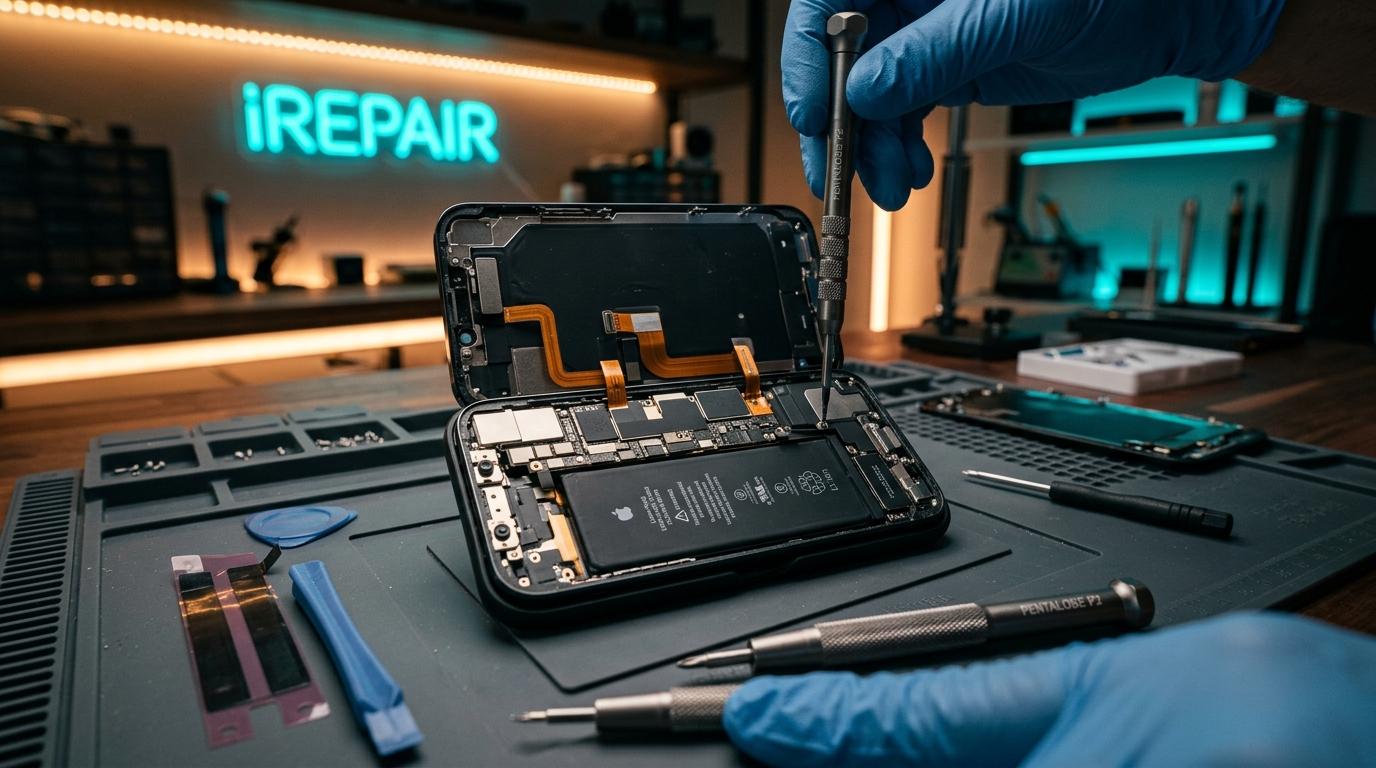
🔋 Understanding iPhone Battery Health & Peak Performance
Every lithium-ion battery degrades over charge cycles and ambient heat. Apple displays a "Maximum Capacity" percentage in Settings > Battery > Battery Health, but what do these numbers actually mean in real daily usage?
⚠️ Critical Thresholds for Battery Replacement
Maximum Capacity Drops Below 80%
Apple engineers lithium batteries to retain up to 80% of original capacity at 500 complete charge cycles. Below 80%, iOS automatically enables Performance Management (CPU clock down).
Sudden Shutdowns at 20% or 30%
If your iPhone shuts down unexpectedly during calls or camera usage, internal impedance has increased, causing voltage to sag below the minimum 3.4V operating threshold.
Battery Swelling (Screen Lifting)
A swollen battery releases volatile gases and is an active safety hazard. Immediate replacement is mandatory.
Component-Level Repairs & Diagnostics
Experiencing battery degradation, thermal overheating, display issues, or logic board failure? Visit our Marrakesh workshop at Complexe Artisanal or contact our engineers on WhatsApp for a fast, free diagnostic consultation.
DIGITAL REVIVE Engineering Team
Author & Lab TechniciansSpecialized in micro-soldering, SMD board repairs, liquid damage decontamination, and precision smartphone diagnostics at Complexe Artisanal, Marrakesh. Over 5,000+ devices restored.
Related Guides & Tips

❌ Why You Should NOT Put a Wet Phone in Rice
The hard science debunking the raw rice myth. Learn how rice starch dust creates conductive cement and accelerates copper trace corrosion.

💧 Dropped Your Phone in Water? What You Should Do Immediately
The critical first 10 minutes after liquid contact. Why you must power down immediately, avoid chargers, and seek professional ultrasonic cleaning.

📶 Phone Has No Network After Repair: What to Check
Searching... or No Service after replacing a screen or housing? Pinpointed coaxial antenna cable tears, grounding clips, and RF transceiver faults.