🔍 How to Check if an iPhone Screen Is Original
Technician tricks to spot counterfeit screens: TrueTone status, polarized sunglasses test, oleophobic coating, and 3uTools hardware inspection.
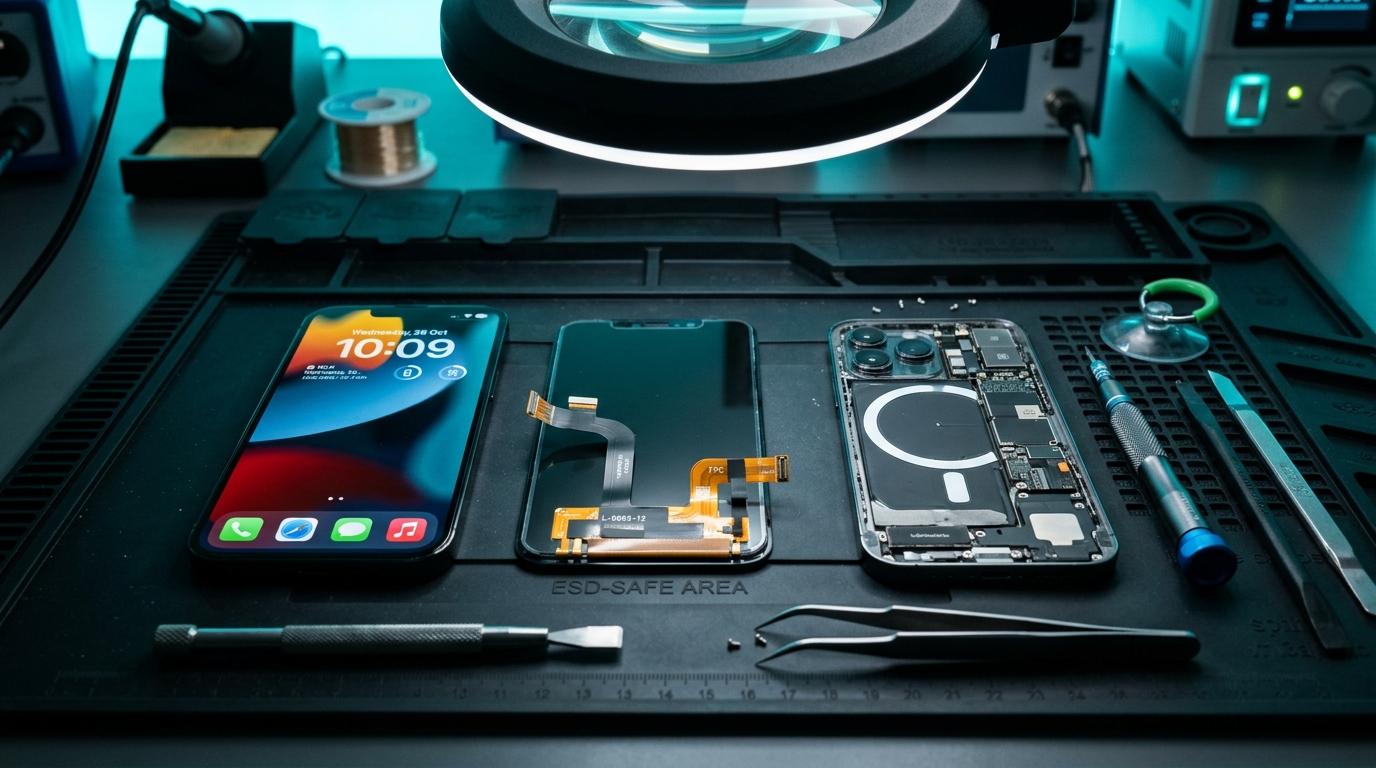
🔍 Is Your iPhone Screen Original or Aftermarket?
When buying a used iPhone or picking it up from a repair shop, verifying display authenticity protects your investment.
🔬 5 Fast Technician Tests
1. The Polarized Sunglasses Test: Put on polarized sunglasses and rotate the screen 360 degrees. An original OLED remains clear at all angles; low-quality LCDs turn black or display rainbow distortion.
2. TrueTone in Control Center: Long-press brightness in Control Center. If TrueTone is missing, the screen has either been replaced without data transfer or is a non-compatible aftermarket unit.
3. Droplet Hydrophobic Test: Drop a single drop of clean water on the glass. On genuine oleophobic glass, the water beads into a tight dome; on cheap glass, it smears flat.
4. Bottom Bezel Thickness: Genuine Apple OLED screens have an ultra-slim chin bezel equal on all four sides.
5. 3uTools Serial Verification: Connect to 3uTools on PC to compare the screen serial number with the factory read value.
Component-Level Repairs & Diagnostics
Experiencing battery degradation, thermal overheating, display issues, or logic board failure? Visit our Marrakesh workshop at Complexe Artisanal or contact our engineers on WhatsApp for a fast, free diagnostic consultation.
DIGITAL REVIVE Engineering Team
Author & Lab TechniciansSpecialized in micro-soldering, SMD board repairs, liquid damage decontamination, and precision smartphone diagnostics at Complexe Artisanal, Marrakesh. Over 5,000+ devices restored.
Related Guides & Tips
❌ Why You Should NOT Put a Wet Phone in Rice
The hard science debunking the raw rice myth. Learn how rice starch dust creates conductive cement and accelerates copper trace corrosion.

💧 Dropped Your Phone in Water? What You Should Do Immediately
The critical first 10 minutes after liquid contact. Why you must power down immediately, avoid chargers, and seek professional ultrasonic cleaning.

📶 Phone Has No Network After Repair: What to Check
Searching... or No Service after replacing a screen or housing? Pinpointed coaxial antenna cable tears, grounding clips, and RF transceiver faults.