🔐 Face ID Not Working After Screen Replacement: Causes & Solutions
Did your TrueDepth camera stop recognizing you after a repair? Discover flood illuminator pairing, dot projector prisms, and how technicians fix Face ID.
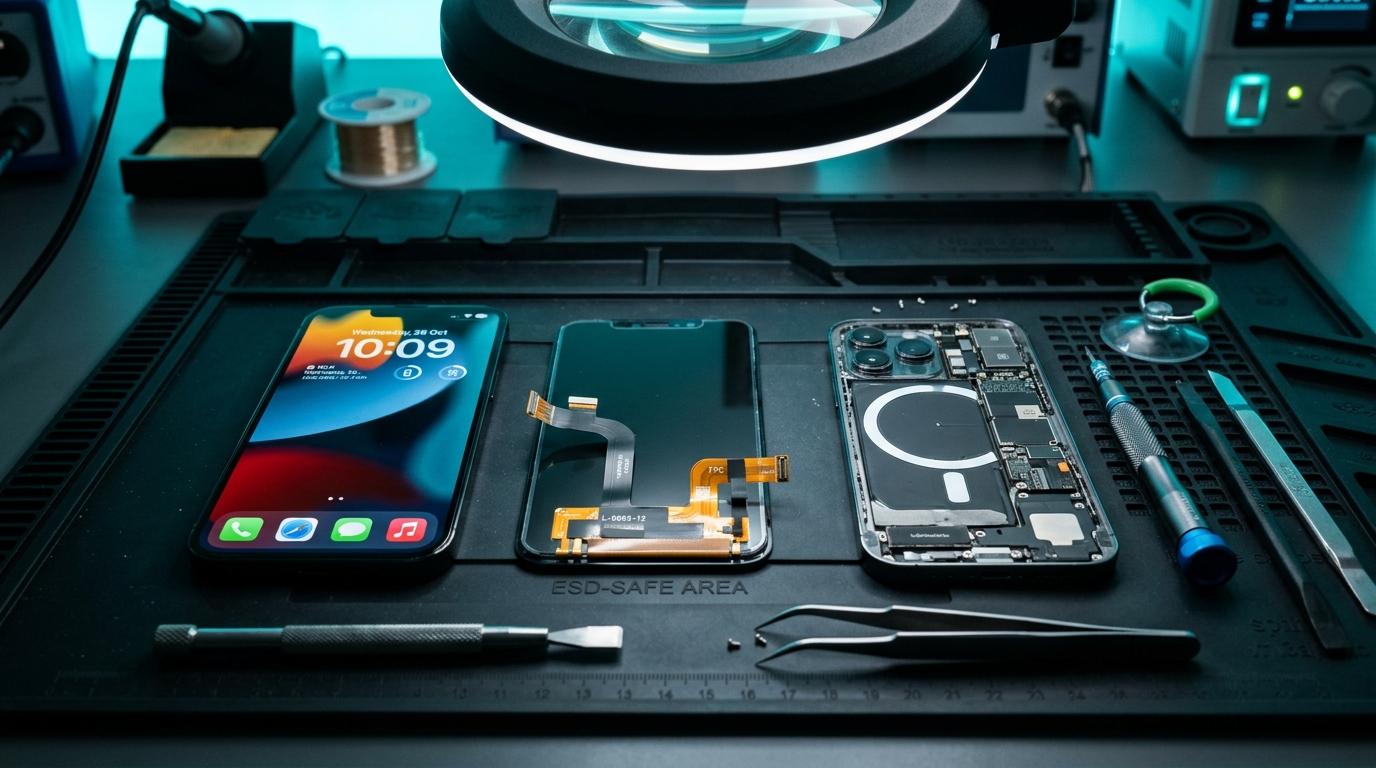
🔐 Why Face ID Fails After Screen Replacements
Apple's TrueDepth camera system is cryptographically paired to the iPhone CPU via the Secure Enclave. If any component is torn, misaligned, or improperly transferred during a screen replacement, Face ID is permanently disabled.
⚠️ Common Causes
1. Torn Flood Illuminator / Proximity Sensor Flex: The sensor flex must be carefully transferred from the old screen to the new screen using hot air. A micro-tear cuts off the cryptographic handshake.
2. Pry Tool Damage to Dot Projector: The dot projector fires 30,000 invisible infrared dots. Touching or scratching its optical glass crystal breaks infrared diffraction.
3. Missing Alignment Bracket: If the optical sensors are shifted by even 0.2mm, Face ID fails calibration.
Component-Level Repairs & Diagnostics
Experiencing battery degradation, thermal overheating, display issues, or logic board failure? Visit our Marrakesh workshop at Complexe Artisanal or contact our engineers on WhatsApp for a fast, free diagnostic consultation.
DIGITAL REVIVE Engineering Team
Author & Lab TechniciansSpecialized in micro-soldering, SMD board repairs, liquid damage decontamination, and precision smartphone diagnostics at Complexe Artisanal, Marrakesh. Over 5,000+ devices restored.
Related Guides & Tips

🛠️ Can a Water-Damaged Phone Be Repaired? Success Rates & Methods
Data recovery vs permanent daily phone use. What factors determine whether your water-damaged iPhone or Android can be resurrected.

💧 Water Damage vs Liquid Damage: What’s the Difference?
Fresh tap water vs seawater, chlorinated pool water, and sugary soda. Discover how dissolved electrolytes determine the severity of electronic destruction.
❌ Why You Should NOT Put a Wet Phone in Rice
The hard science debunking the raw rice myth. Learn how rice starch dust creates conductive cement and accelerates copper trace corrosion.