⚡ Android Phone Running Slow: 10 Things to Check Before Giving Up
From degraded UFS storage write speeds to background RAM bloatware and thermal throttling. Revive your sluggish Android device with practical fixes.

⚡ Reviving a Sluggish Android Phone
Is your Android phone freezing when typing or lagging on app launches? Modern smartphones experience speed degradation primarily due to storage write wear and background app bloat.
🚀 10 Proven Performance Boosts
1. Clear Storage to Above 20% Free Space: NAND flash requires free blocks for TRIM wear leveling. Below 15% capacity, read/write speeds plummet by 70%.
2. Disable RAM Expansion (Virtual RAM): Virtual RAM uses slow flash storage as memory, causing stutter. Turning it off often makes the phone smoother!
3. Inspect Background Autostart Apps: Restrict social media apps from background execution.
Component-Level Repairs & Diagnostics
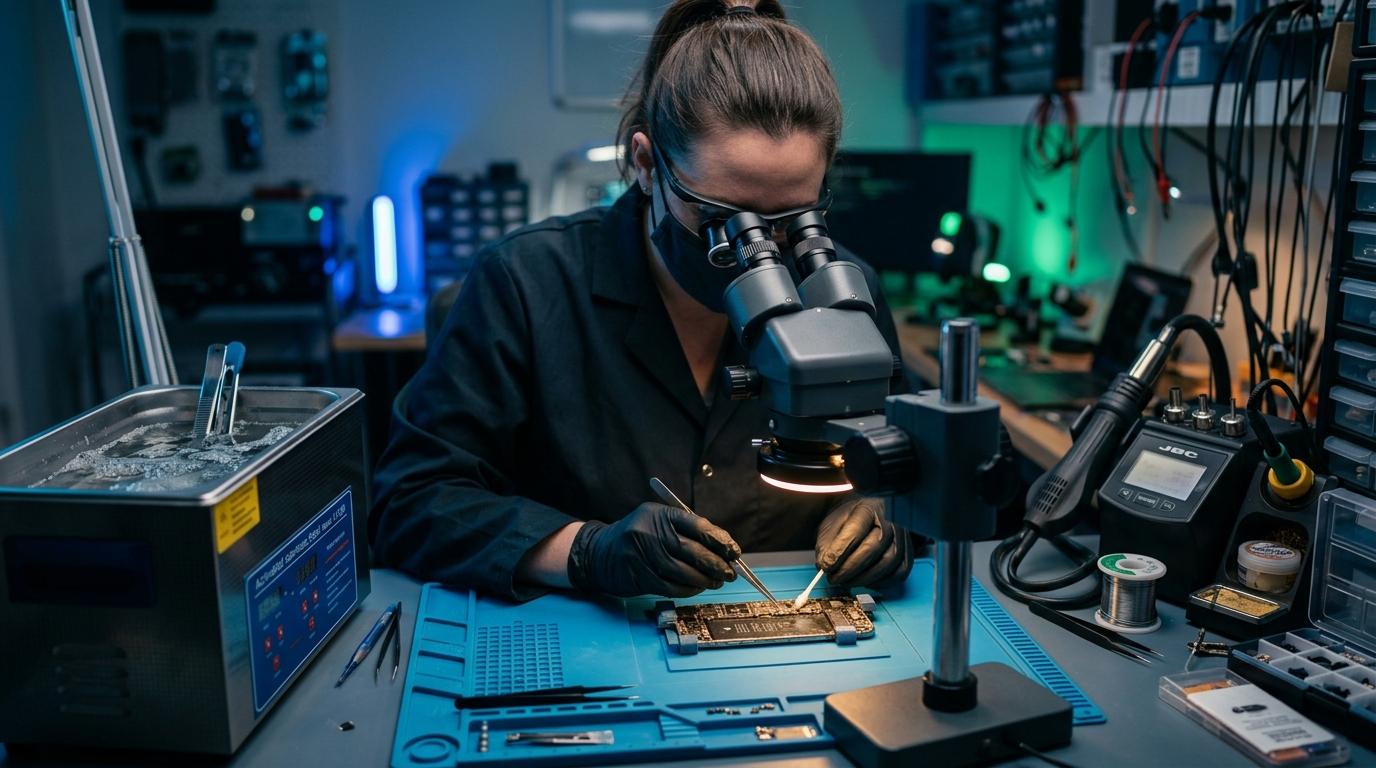
Experiencing battery degradation, thermal overheating, display issues, or logic board failure? Visit our Marrakesh workshop at Complexe Artisanal or contact our engineers on WhatsApp for a fast, free diagnostic consultation.
DIGITAL REVIVE Engineering Team
Author & Lab TechniciansSpecialized in micro-soldering, SMD board repairs, liquid damage decontamination, and precision smartphone diagnostics at Complexe Artisanal, Marrakesh. Over 5,000+ devices restored.
Related Guides & Tips
❌ Why You Should NOT Put a Wet Phone in Rice
The hard science debunking the raw rice myth. Learn how rice starch dust creates conductive cement and accelerates copper trace corrosion.

💧 Dropped Your Phone in Water? What You Should Do Immediately
The critical first 10 minutes after liquid contact. Why you must power down immediately, avoid chargers, and seek professional ultrasonic cleaning.

📶 Phone Has No Network After Repair: What to Check
Searching... or No Service after replacing a screen or housing? Pinpointed coaxial antenna cable tears, grounding clips, and RF transceiver faults.